Top Content Writing Strategies to Boost Tech Product Success
In brief
Content writing helps tech products succeed when each content type is matched to a development stage: design and development, engagement, communications, onboarding, and feedback and support content. Prototyping content begins with scripts and scenarios. Forrester found a well-designed interface can lift conversion rates by up to 200%.

On this page8 sections
The blog provides a comprehensive guide for tech entrepreneurs and leaders on how to leverage content writing to enhance the success of their tech products. It also offers strategies and best practices to create content that can help improve user experience (UX), engagement, communication, onboarding, and support.
Delivering exceptional user experiences and maintaining proactive engagement are critical for tech product success. Take for instance the importance of a user-centric web design.
According to a study by Forrester, a well-designed user interface can increase a website's conversion rate by up to 200%, while a better UX design can yield conversion rates up to 400%.
In this blog, we’ll look at the content formats appropriate for various development stages of a tech product and how they can help you achieve better outcomes, such as design and development content, engagement content, communications content, onboarding content, and feedback and support content. If you’re looking to strengthen your overall content foundation before diving in, our Content Writing 101 guide to creating high-quality content is the right place to start. For web-centric content creation, our article on master web content writing strategies for engaging and SEO-friendly content provides practical techniques you can apply immediately. You’ll also benefit from our seven easy tips for effective content writing to make every content piece count.
Content Formats for Tech Products
-
Design & Development Content
-
Navigation and Interaction Content
-
Engagement Content
-
Communications Content
-
Onboarding Content
-
Feedback & Support Content
Design and Development Content
Prototyping Content: Laying the Foundation for User-Centric Products
Creating effective content in the prototyping stage involves developing scripts and scenarios to help users during this phase. This stage of tech product content writing is crucial for gathering user feedback about your product and iterating designs to meet user needs and expectations.
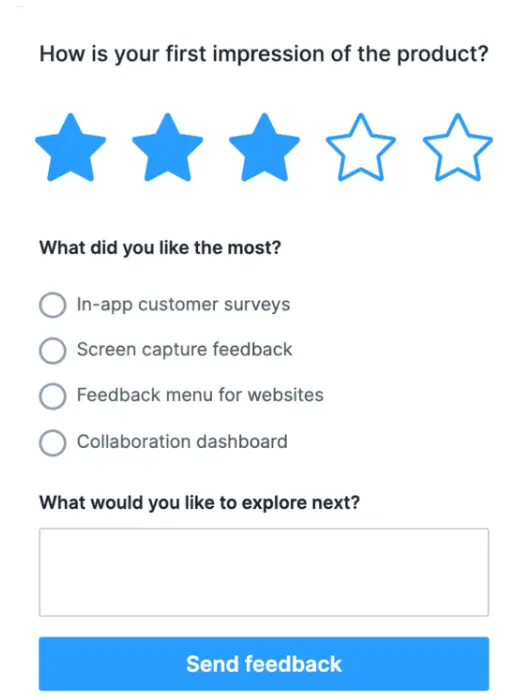
Prototyping content should include detailed scripts that guide users through specific tasks. For instance, a script might explain how a user can complete a task within the app, such as setting up a new account. Once a new user accesses the app after reading the content, they’ll understand the basic process. Next, observing how the user navigates, the prototype can reveal areas where the design needs improvement.
Ensuring that the prototyping content is comprehensive and user-focused can lead to a more refined and user-friendly final product. It's essential to involve a diverse group of users in the testing process to gather a wide range of feedback and address various user needs and preferences.
Explore our Content Audit Services to ensure your tech product content is user-focused and effective.
UX Content Writing: Enhancing User Interaction Through a Clear Microcopy
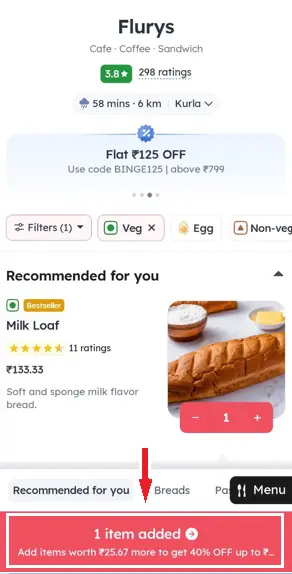
Microcopy plays a crucial role in guiding users within the product. It includes text for tooltips, form instructions, and error messages. Despite its small size, a well-crafted microcopy can significantly enhance user experience by providing clear, concise, and helpful information at critical moments.
For instance, a tooltip that explains a complex feature in simple terms can make a huge difference in user satisfaction. Similarly, clear instructions can prevent user frustration and reduce the number of errors during form submission.
Microcopy is particularly crucial in e-commerce. Baymard Institute found that 69.23% of online shopping carts are abandoned, and one of the main reasons is a complicated checkout process. Effective microcopy can simplify this process and reduce abandonment rates.
For more details, check out our UX Copywriting Services.
Accessibility Content: Making Products Inclusive for All Users
Ensuring that products are usable by people with different cognitive abilities is essential for both legal compliance and ethical responsibility. Adhering to guidelines and instructions for neurodiverse content is a fine example. This might involve adding alternative text for images, providing keyboard navigation options, and ensuring that color contrast meets accessibility standards.
Web Content Accessibility Guidelines (WCAG) 2.1 provide a robust framework for making web content more accessible for all. Following these guidelines not only helps in legal compliance but also expands the potential user base.

Navigation and Interaction Content: Guiding Users Seamlessly
CTA Buttons: Driving User Actions with Engaging Prompts
CTA (Call to Action) buttons are designed to guide users towards desired actions, such as signing up, making a purchase, or downloading a resource. These buttons should be strategically placed and designed to stand out. Engaging and persuasive CTAs can significantly increase conversion rates and enhance user engagement.
According to Unbounce, having just one CTA on a landing page can increase conversions by 371% and sales by 1,617%. This statistic highlights the power of a well-placed and compelling CTA.
For example, a CTA button that says "Get Started" can be placed prominently on the homepage of an app, encouraging new users to begin their journey. By making these buttons visually appealing and clearly labeled, users are more likely to click on them.
Menus and Navigation Labels: Simplifying the User Journey
Clear and intuitive labels for navigating the product are vital for a seamless user experience. A study by Jakob Nielsen found that improving the usability of a product’s navigation can reduce the user’s cognitive load and increase user satisfaction and retention.
Properly labeled menus and navigation elements help users quickly find what they need. This labeling involves logical grouping of menu items in simple language and providing visual cues to guide users.

Engagement Content: Keeping Users Invested in Your Product
In-App Tutorials and Walkthroughs: Educating and Engaging Users
In-app tutorials and walkthroughs help users understand how to use new features. These tutorials should be interactive and easy to follow, providing step-by-step guidance. By educating users within the app, companies can enhance user satisfaction and reduce the learning curve.
For example, a new feature might be introduced with a brief tutorial that highlights its key benefits and shows users how to access and use it. This approach ensures that users are aware of new functionalities and can make the most of them.
Quizzes and Interactive Content: Boosting User Retention Through Engagement
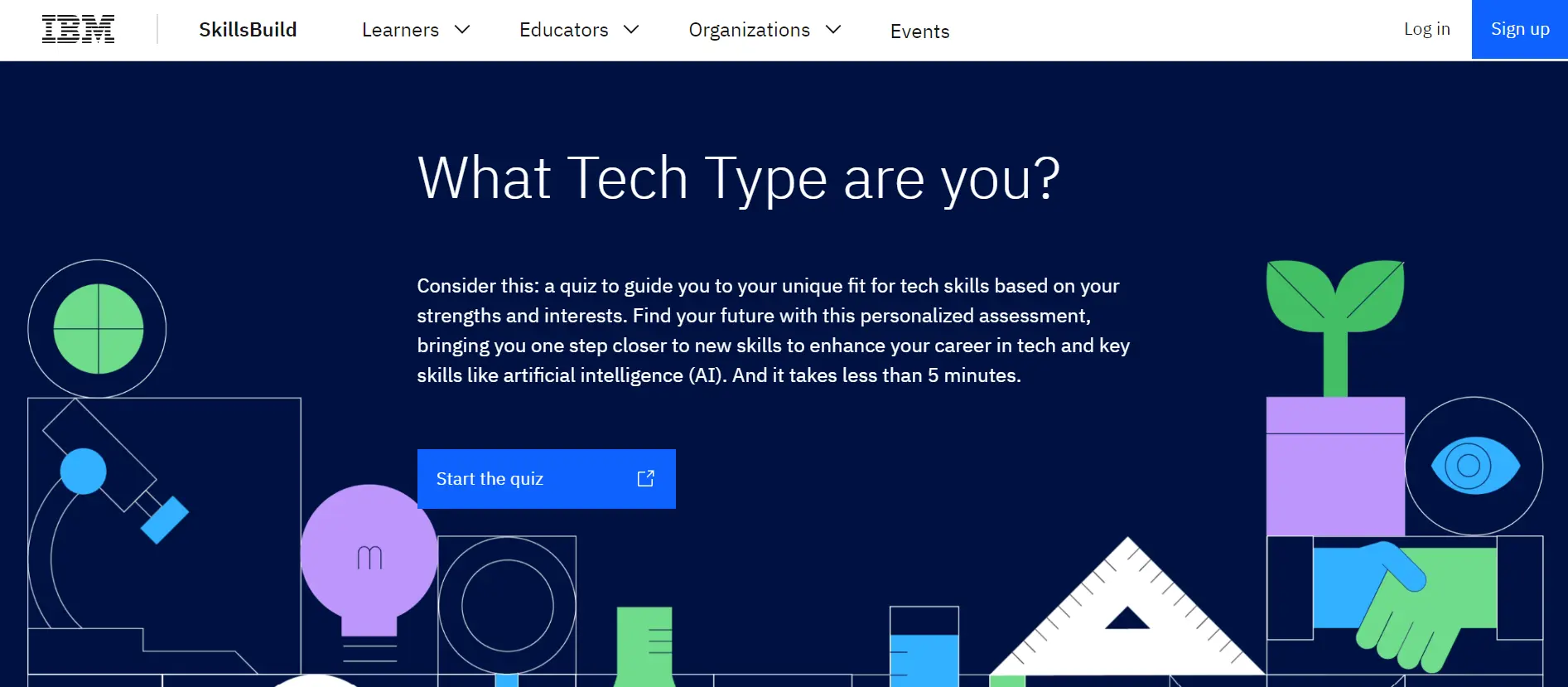
Engaging users and encouraging interaction within the app through quizzes and other interactive content can boost user retention and satisfaction. Quizzes can be used to educate users about the product, gather feedback, or simply provide entertainment.
Quizzes can increase user engagement by 50%, as shown in a case study by LeadQuizzes, where businesses using quizzes saw significant improvements in user interaction.
For instance, a fitness app might include a quiz to determine a user's fitness level and recommend personalized workout plans. This interactive approach not only engages users but also provides valuable insights that can be used to improve the product.
For more information, explore our Interactive Content Services.
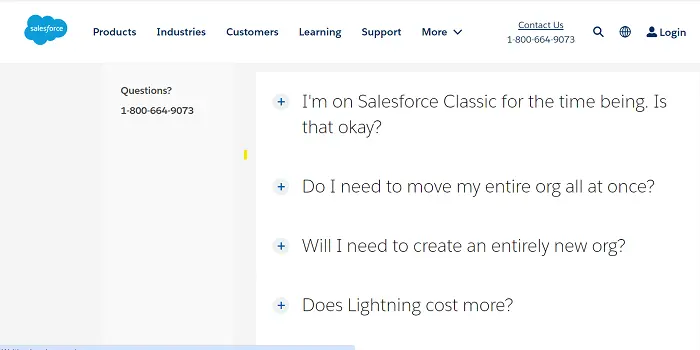
FAQs and Knowledge Bases: Providing Easy Access to Help and Support
Zendesk reports that 91% of customers would use an online knowledge base if it were available and tailored to their needs.
FAQs and knowledge bases are essential for resolving common issues and questions. A well-structured knowledge base can reduce the burden on customer support teams and improve user satisfaction. By providing detailed answers to frequently asked questions, users can quickly find the information they need.
Communications Content: Keeping Users Informed and Engaged
Transactional Messages
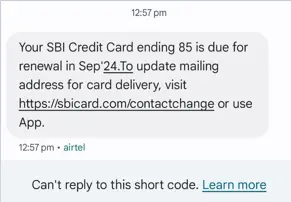
Transactional messages, such as account updates or password resets, are essential for maintaining communication with users and are meant to help build user’s trust in the product. Transactional emails have an open rate of 44.17%, significantly higher than the average email open rate of 20.81%, according to Campaign Monitor which indicates their critical role in user communication.
These messages should be clear, concise, and timely. They provide users with important information and help build trust in the product.
For example, an email notification about a successful password reset should include clear instructions on how to log in and what to do if the user did not request the change.
For detailed services, check out our Email and SMS Copywriting.
Release Notes: Keeping Users Updated with New Features and Fixes
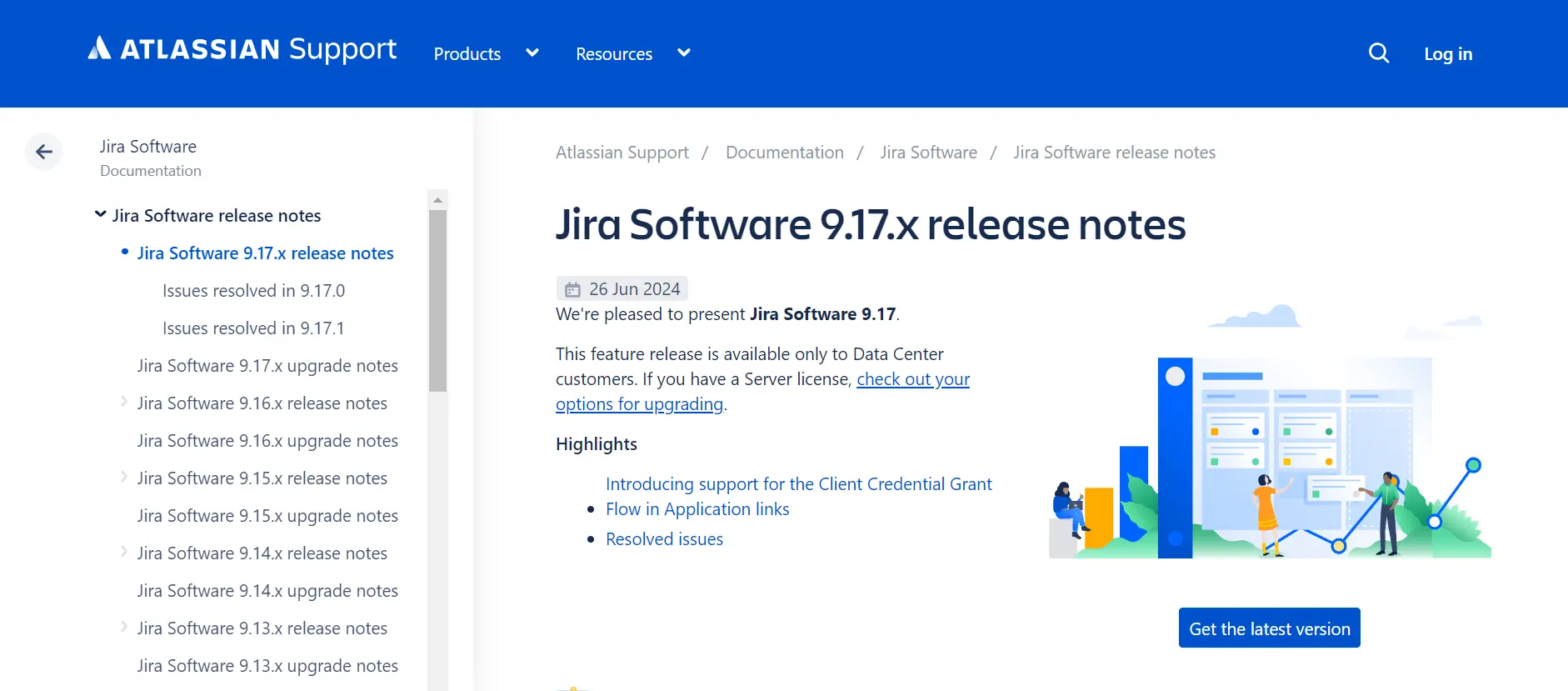
Informing users about new features, bug fixes, and updates through release notes helps keep them informed and engaged. Well-written release notes can also reduce confusion and support requests. These notes should be concise and highlight the most important changes.
Regularly updating users with release notes helps maintain transparency and trust. It ensures users are aware of improvements and encourages them to explore new features.
Changelog Documentation: Tracking the Evolution of Your Product
Detailed history of changes made to the product should be documented in a changelog. This documentation helps users and developers track the evolution of the product and understand the context of each update. A well-maintained changelog can be a valuable resource for both internal and external stakeholders.
Changelog documentation is vital for transparency and accountability. It allows users to track changes and provides a historical context for product development.
Onboarding Content: Making a Positive First Impression
Welcome Messages: Engaging New Users from the Start
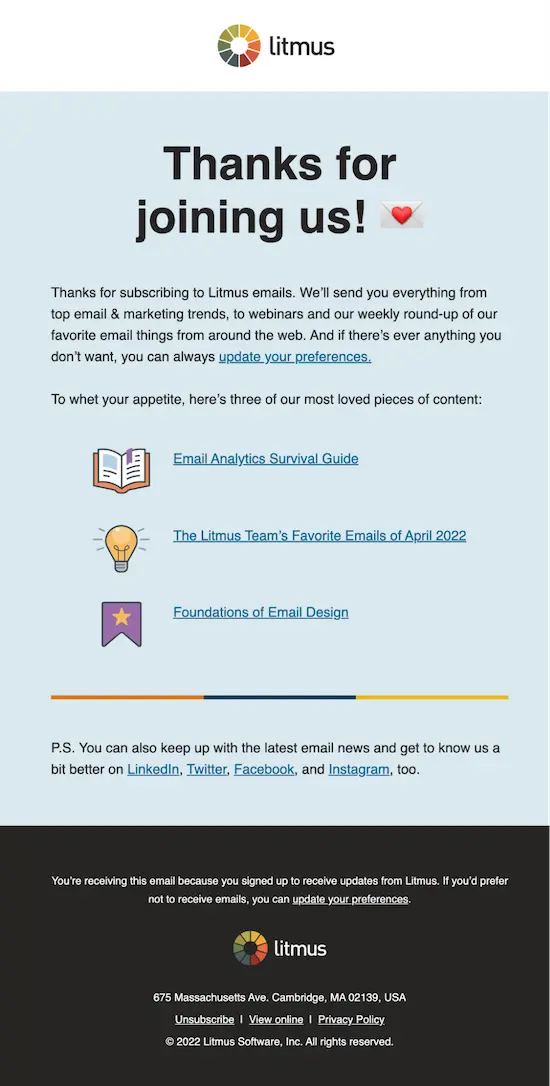
Welcome emails have an open rate of 82%, making them the most opened type of email, according to Drip. This statistic underscores the importance of making a strong first impression. These messages should be warm, informative, and encouraging. A well-crafted welcome message can set the tone for the user's experience with the product.
For example, a welcome email might include a brief introduction to the product, links to helpful resources, and a special offer or incentive to encourage users to explore further.
Onboarding Guides: Reducing the Learning Curve for New Users
Step-by-step instructions to help new users get started are vital for reducing the learning curve and enhancing user satisfaction. Onboarding guides should be clear, concise, and easy to follow. They can include text, images, and videos to cater to different learning styles.
For instance, an onboarding guide for a project management tool might walk users through the process of creating their first project, adding team members, and setting up tasks.
Effective onboarding can improve user retention by up to 50%, highlighting the critical role it plays in user engagement, according to CleverTap.
Push Notifications: Keeping Users Engaged with Timely Updates
Push notifications can increase app engagement by 88% and help significantly improve user retention. These notifications should be relevant and not overly intrusive. They can be used to inform users about new features, remind them of pending tasks, or provide updates on their progress.
For onboarding content services, visit our eLearning and Training Content page.
Feedback and Support Content: Enhancing User Satisfaction
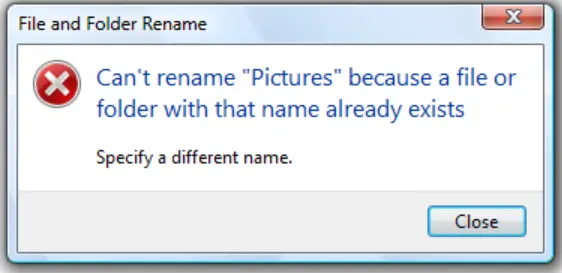
Error Messages: Guiding Users When Things Go Wrong
Effective error messages can reduce support tickets by up to 15%, as they provide users with the information needed to resolve issues independently.
Informative and helpful error messages guide users when something goes wrong, reducing frustration and improving the overall user experience. These messages should be clear, concise, and provide actionable steps to resolve the issue.
For example, an error message that explains why a form submission failed and provides specific instructions for correcting the error can help users resolve issues quickly and continue using the product.
Pop-Up Messages: Providing Contextual Information and Alerts
Contextual information or alerts provided through pop-up messages can help users stay informed and make better decisions. These messages should be strategically placed and relevant to the user's current activity. Pop-ups can be used to highlight important features, provide tips, or alert users to important updates.
Pop-up messages can increase conversion rates by up to 9.28%, according to Sleeknote. This shows their potential impact when used correctly.
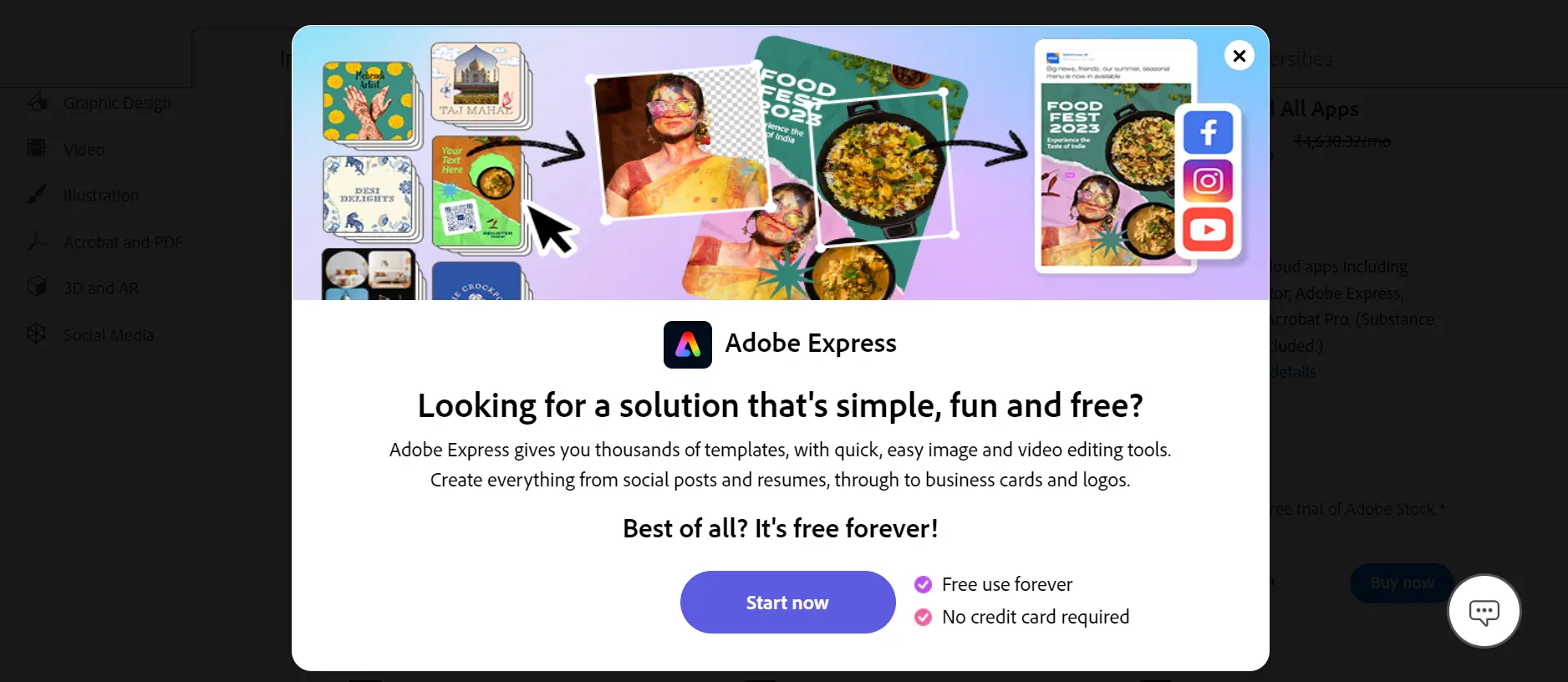
Notification Messages: Updates and reminders sent to users through notification messages help keep them engaged and informed. These messages should be timely, relevant, and not overly frequent. For example, a notification might remind users about an upcoming deadline or inform them about a new feature they might find useful.
Conclusion
Incorporating strategic content writing services into your tech product development and marketing efforts can significantly enhance user experience, engagement, and satisfaction.
By taking a content-first approach in your tech product flow, tech companies can create products that not only meet but exceed user expectations.
Visit us at LexiConn or book a free consultation. LexiConn also offers free 30-minute content consultation session to help you with your content strategy.